
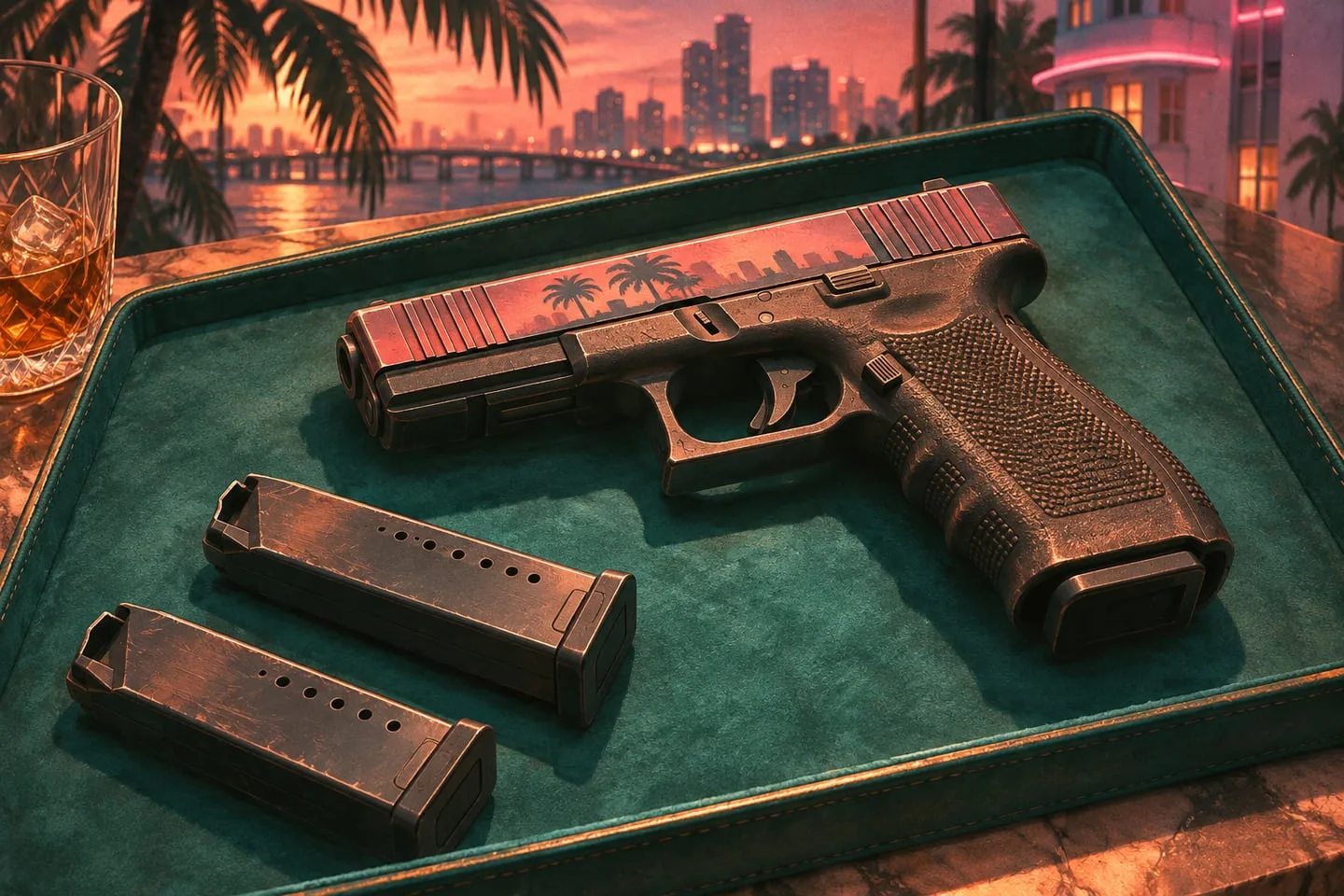
How to compare reload time in GTA VI
Record empty and partial reloads as separate tests when the game makes a distinction.
 GTA Lab2 min read
Define the two endpoints
In a repeatable safe area, use a clip to mark the frame where the reload starts and the first frame where the game accepts another shot. The animation ending is not necessarily the same as the weapon becoming usable. Keep the weapon, setup and camera mode constant across trials.
Check an empty and a partial reload
Repeat both trials if the game supports them. Record the magazine state and whether movement interrupted the animation. Do not lump results together. A small difference that repeats under the same conditions is more useful than a dramatic comparison between an empty reload and an interrupted one.
In a chase, recovery matters more than the prettiest animation
Rockstar’s extended material includes combat, and Edge describes a pursuit where the player can shoot from the passenger role. In that kind of scene, the time until you can safely resume another action may matter more than the exact magazine animation length. Keep a parked test for the basic timing and a separate observation for movement or a vehicle seat.
Compare times with explicit conditions
At a 30-frame-per-second capture rate, a 45-frame interval measures about a second and a half in the recording. State the capture rate and mark the start and end. Try each weapon a few times. You can use the method to compare familiar choices without claiming a definitive game-wide weapon ranking before repeated release tests.